free-video-editors
Premiere Pro vs. Free Video Editors: Features, Pricing and Best Uses
For a long time, the unspoken rule in video production was simple: if you wanted your work to look professional, you opened your wallet and paid the monthly Adobe tax.
Free video editors used to be synonymous with clunky interfaces, constant crashes, and a giant, embarrassing watermark stamped across the middle of your exported footage.
Some of our links may be affiliate links and if you buy through our link, we might generate some commissions.
That rule no longer applies.
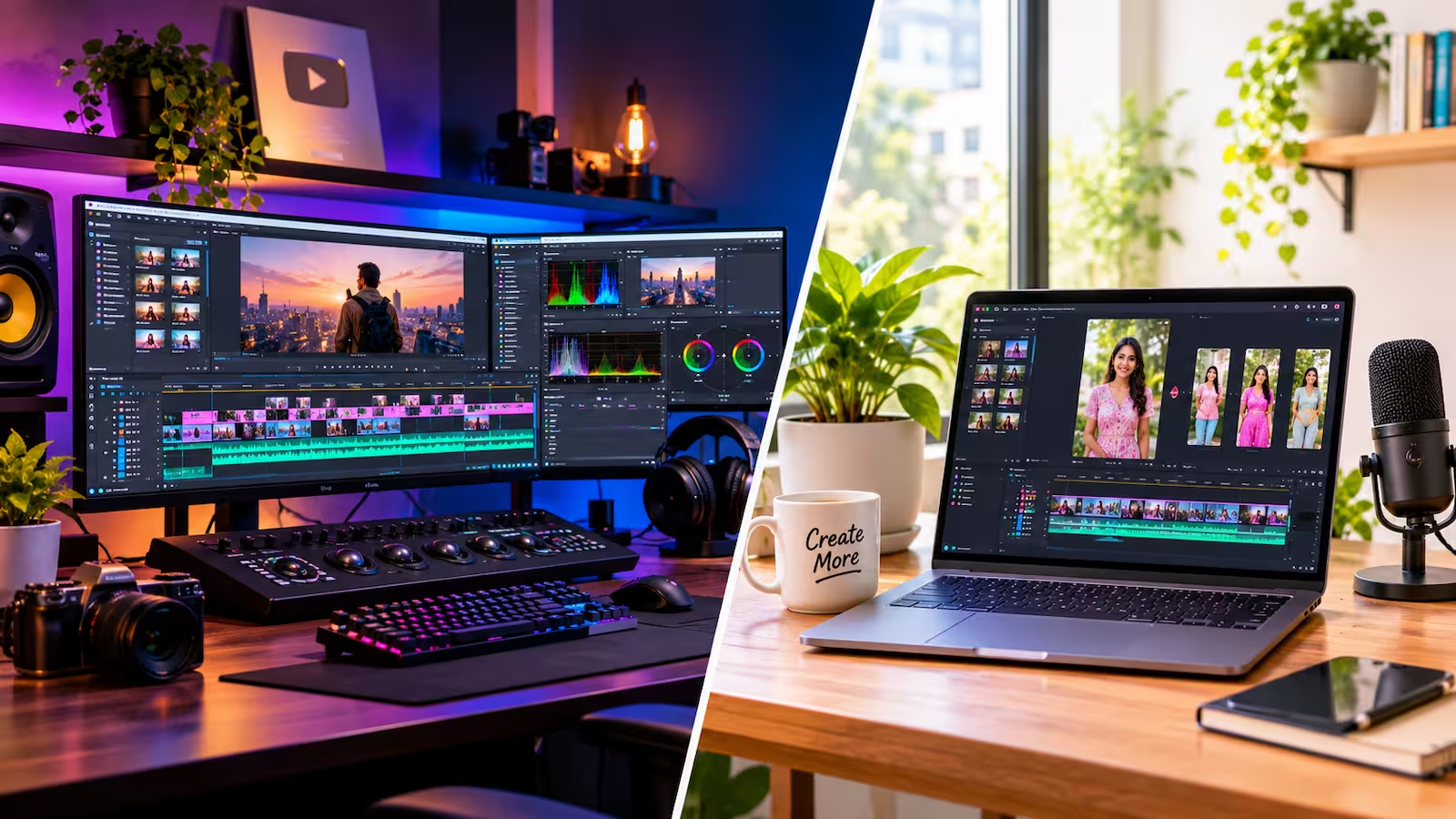
While Adobe Premiere Pro (which Adobe also markets simply as Premiere starting with version 26.0) remains an absolute powerhouse in television, film, and agency pipelines, the zero-dollar alternatives have grown up fast. Between Hollywood-grade color grading suites offering generous free tiers, open-source software maintained by passionate developer communities, and social-first tools built for speed, creators have real choices.
Whether you are cutting your first YouTube documentary, cranking out daily vertical clips for clients, or trying to figure out if a Creative Cloud subscription is eating into your profit margins for no reason, here is an honest breakdown of how Premiere Pro stacks up against the best free video editors on the market.
Discover Adobe's suite of products.
Why Premiere Pro Still Wears the Crown (And Where It Hurts)
Step into almost any creative agency, broadcast newsroom, or mid-sized production house, and Premiere Pro is the language everyone speaks. That ubiquity isn't an accident—it comes down to workflow speed and ecosystem integration.
The Ecosystem Advantage
Premiere Pro rarely works alone. Its biggest flex is Dynamic Link, which lets you send a clip from your timeline directly into After Effects for complex motion graphics or Audition for surgical audio cleanup without rendering intermediate files. Need to tweak a lower-third graphic? Open the linked Photoshop or Illustrator file, hit save, and watch it update live in your video timeline. When you add built-in Frame.io integration—allowing clients to leave time-stamped comments that show up right as markers on your timeline—it becomes clear why teams rely on it.
AI That Actually Saves Time
Instead of gimmicky filters, Adobe has focused its AI (powered by Sensei and Firefly) on the tedious parts of editing. Text-Based Editing automatically transcribes your interview footage so you can cut video just by highlighting and deleting sentences in a text document—complete with automatic detection of pauses and filler words. Features like Enhance Speech can make a noisy lapel mic recording sound like it was captured in a treated vocal booth, while Auto Reframe intelligently tracks the action when converting a 16:9 horizontal edit into a 9:16 vertical clip.
The Catch: Hardware Hunger and Subscriptions
Premiere Pro is notoriously demanding on your hardware. If you are working with heavy codecs without generating proxy files, even a beefy machine can stutter if your RAM or GPU isn't up to par. And then there is the elephant in the room: you never own it. Stop paying your monthly fee, and you lose access to your project files.
Meet the Free Contenders: What "Free" Actually Gets You
Not all free video editors are built for the same person. Depending on what you are cutting, "free" falls into one of four major camps:
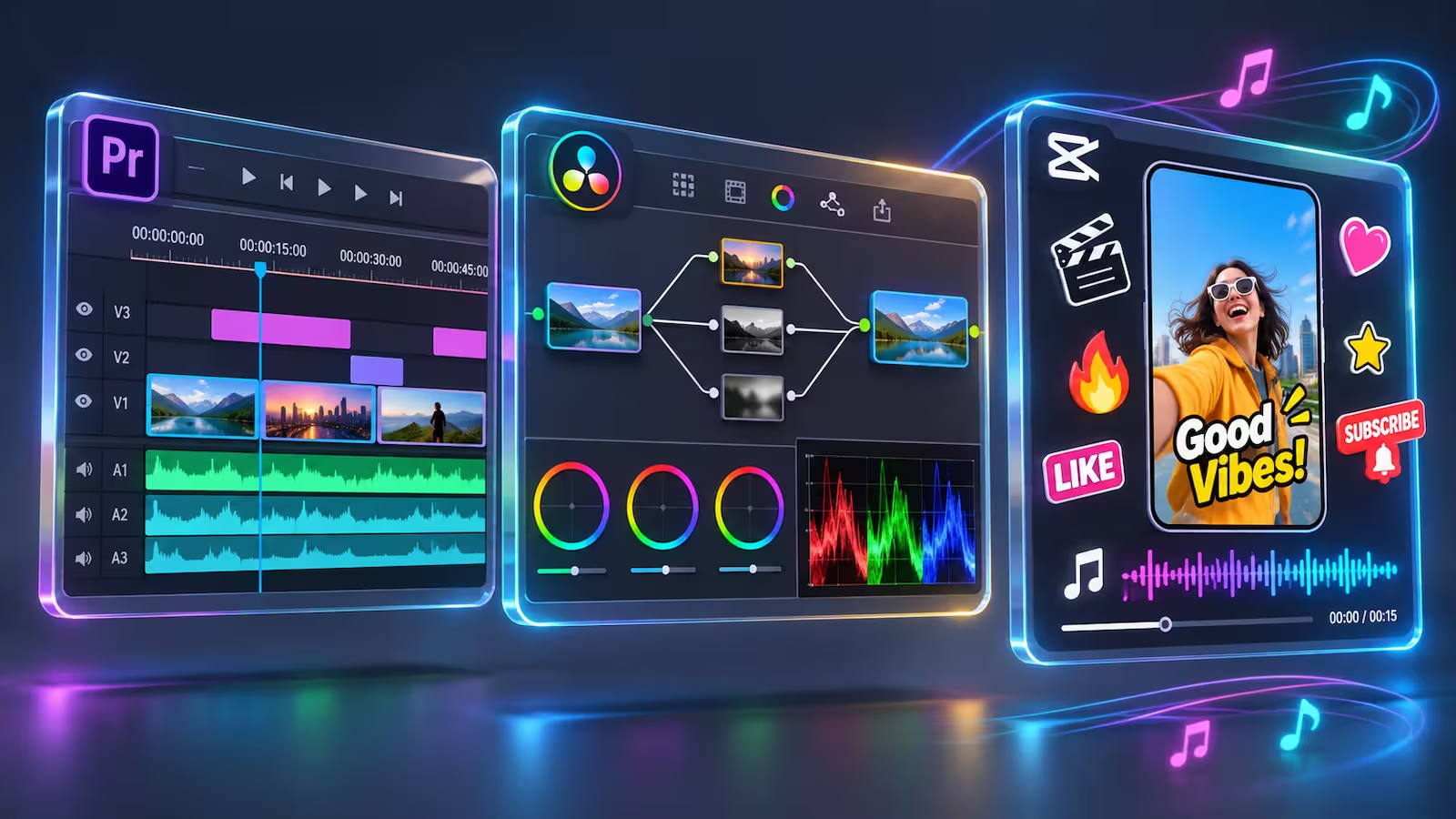
1. DaVinci Resolve (Free Edition): The Heavyweight Rival
Created by Blackmagic Design, DaVinci Resolve is the closest thing to a miracle in the software world. The free version gives you almost the exact same interface used to color grade blockbuster films. It combines non-linear editing, world-class node-based color grading, Fusion (for 3D visual effects and compositing), and Fairlight (a full digital audio workstation) inside a single application.
The Catch: The free version caps your exports at UHD 4K (3840 x 2160) at 60 frames per second. You also miss out on the AI tools locked behind the paid Studio version (like Magic Mask, Voice Isolation, and automatic subtitle transcription). Crucially, if you are on Windows or Linux, the free version struggles with or flat-out refuses to decode 10-bit 4:2:2 H.264/H.265 footage from cameras like the Sony FX3 or Canon R5 without transcoding first.
2. Kdenlive & Shotcut: The Open-Source Workhorses
If you hate corporate ecosystems, telemetry, and paywalled features, open-source editors like Kdenlive and Shotcut (available on Windows, macOS, and Linux) are completely free forever. Kdenlive offers multi-track editing, proxy workflows for older computers, customizable layouts, audio scopes, and built-in subtitle tools. Shotcut shines with wide format compatibility via FFmpeg and direct timeline editing without complex project imports.
The Catch: The interfaces feel more utilitarian than polished, and you won't find cloud collaboration or one-click AI masking here.
3. CapCut: The Social Media Speed Demon
Built from the ground up for TikTok, Reels, and YouTube Shorts, CapCut (available on desktop, mobile, and web) removes the friction of traditional keyframing. What takes ten minutes to animate in Premiere Pro—like bouncy, word-by-word captions, trendy transitions, or background removal—takes two clicks in CapCut.
The Catch: CapCut follows a aggressive "freemium" strategy. Features, transitions, and auto-caption styles that were free a few months ago frequently get moved behind the paid "Pro" tier, meaning you have to carefully dodge "Pro" badges on the timeline if you want to export without paying.
4. iMovie: The Apple Entry Point
Pre-installed on Macs, iPads, and iPhones, iMovie is the ultimate zero-stress starting line. It handles 4K footage smoothly on Apple Silicon and strips away intimidating scopes and settings.
The Catch: You are locked to just two video tracks, limiting how much B-roll and graphics you can layer, and there is no way to edit native 9:16 vertical video without awkward cropping workarounds.
Discover Adobe's suite of products.
Head-to-Head Feature Comparison
To see where your workflow actually lands, look at how the features compare side by side. Note that capabilities can vary slightly depending on your operating system and hardware configuration:
Feature Category | Adobe Premiere Pro | DaVinci Resolve (Free) | Kdenlive / Shotcut | CapCut (Free Tier) |
Operating Systems | Windows, macOS | Windows, macOS, Linux | Windows, macOS, Linux | Windows, macOS, Web, iOS/Android |
Max Export Resolution | Up to 8K+ (Unrestricted) | Up to 4K UHD (3840x2160) at 60fps | Up to 4K+ | Up to 4K (60fps) |
Timeline & Multicam | Unlimited tracks; industry-leading multicam & pancake timelines | Unlimited tracks; dedicated Cut & Edit pages; solid multicam | Multi-track editing; 3-point & multicam support (Kdenlive) | Multi-track; geared toward fast single-cam and B-roll layering |
Color Grading | Lumetri Color (fast, intuitive, great for standard corrections) | Hollywood-standard node-based grading, HDR, & scopes | Basic color wheels, LUT support, and scopes | Basic filters, LUTs, and simple adjustment sliders |
Audio Post-Production | Essential Sound panel + round-trip to Adobe Audition | Built-in Fairlight DAW (full mixing console & effects) | Standard track mixers, keyframes, and basic EQ filters | Trending music library, basic noise reduction, beat sync |
AI & Captions | Text-Based Editing, auto-captions, Enhance Speech, Generative Extend | Most AI tools (Auto Subtitles, Magic Mask, Voice Isolation) require paid Studio | Open-source speech-to-text whisper integration (requires local setup) | Fast auto-captions and effects (many locked behind Pro upsells) |
Team Collaboration | Frame.io built-in, Team Projects, Productions for large films | Blackmagic Cloud collaboration supported | Local file sharing only | Cloud space sharing (limited storage on free plan) |
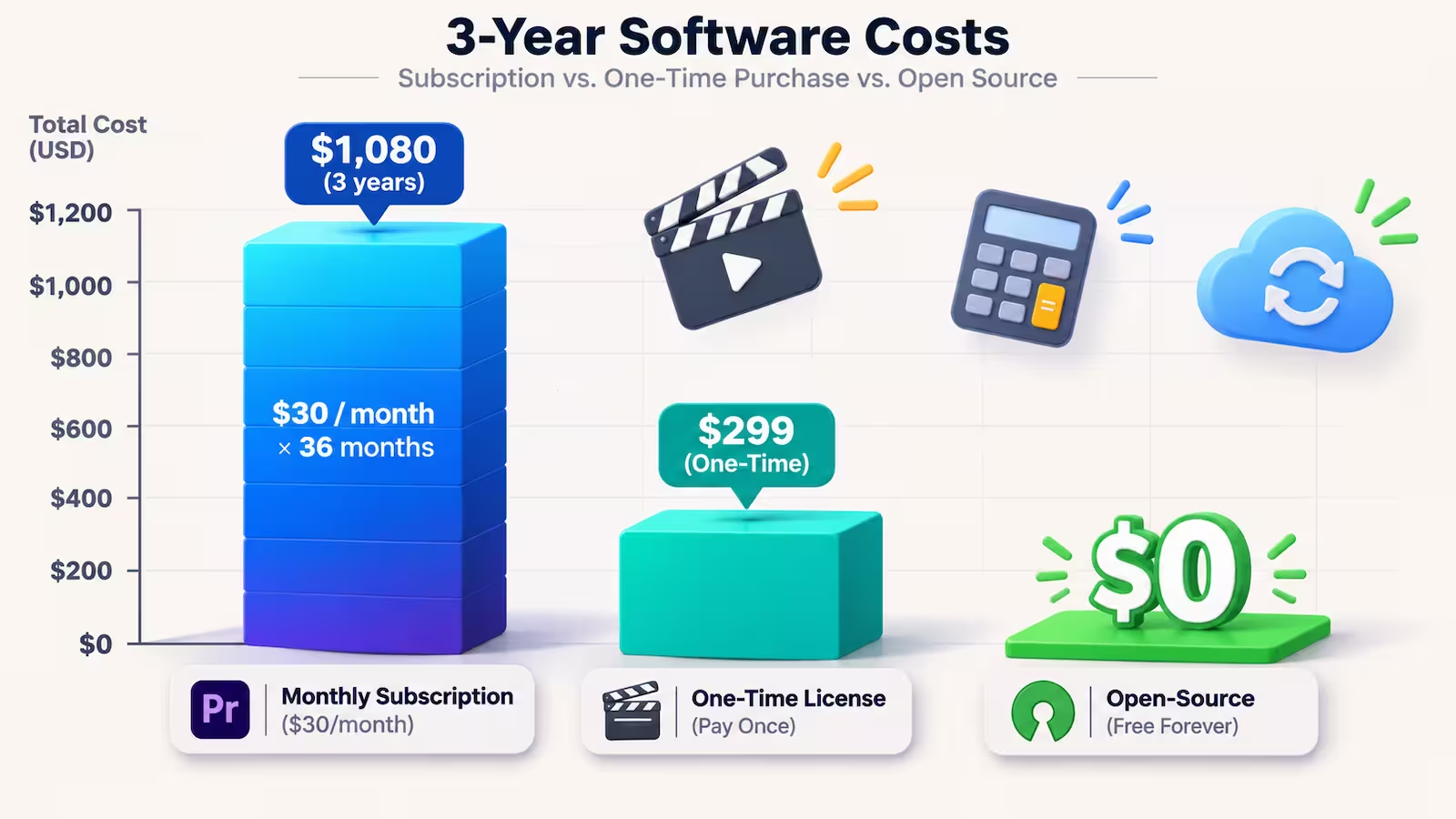
The Real Cost of "Free" vs. Paid: A 3-Year Pricing Breakdown
When evaluating software pricing, looking at a single monthly bill is a trap. You have to look at what a tool costs you over a multi-year creative journey—and factor in the "hidden costs" of free tools, like time spent finding workarounds.
Adobe Premiere Pro Pricing (US Listed Rates)
Adobe operates strictly on a subscription model (after a 7-day free trial):
Premiere Pro Single App (Annual, billed monthly): $22.99/month (or $263.88/year if paid upfront). Includes Premiere on desktop and mobile, Adobe Express Premium, Frame.io for Creative Cloud, 100GB of cloud storage, and 25 monthly generative AI credits.
Month-to-Month Plan (No annual commitment): $34.49/month—useful if you only need to jump into Premiere for a single one-month client project and cancel immediately.
Creative Cloud Pro / All Apps: Around $69.99/month (often discounted to $29.99–$34.99/month for the first year or $19.99/month for eligible students and teachers). This unlocks After Effects, Photoshop, Illustrator, Audition, and 4,000 monthly generative credits.
3-Year Cost (Single App): Roughly $791 to $828.
The Free & One-Time Upgrade Path
Kdenlive, Shotcut, and iMovie: $0 over 3 years. No upsells, no credit limits, no catch.
DaVinci Resolve Free vs. Studio: You can use the free edition commercially for $0 forever. If you eventually hit the 4K/60fps ceiling, buy a camera that records 10-bit 4:2:2 on Windows, or decide you want AI Voice Isolation and automatic subtitles, upgrading to DaVinci Resolve Studio costs a one-time fee of $295. Over three years, even if you cave and buy the Studio version, you save over $500 compared to a single-app Premiere subscription.
CapCut Free vs. Pro: While the base app is $0, unlocking the Pro assets and AI tools runs roughly $19.99/month (pricing varies by region and billing tier), which ironically puts its annual cost right in the ballpark of Adobe Premiere Pro.
Discover Adobe's suite of products.
Best Uses: Which Editor Should You Actually Choose?
Forget loyalty to a brand. The smartest editors pick the tool that gets them from raw footage to exported master file with the least amount of headaches.
Stick with Adobe Premiere Pro if:
You collaborate with agencies, clients, or other editors: In the freelance and agency world, handing off a
.prprojfile or collaborating via Frame.io is standard practice. Telling an agency director you only cut in Kdenlive is a fast way to lose a gig.You cut dialogue-heavy long-form content: If your bread and butter is 2-hour video podcasts, documentary interviews, or corporate talking heads, Premiere's Text-Based Editing and AI audio cleanup will save you hours every single week—easily paying for the $22.99 monthly subscription in reclaimed billable time.
You live in the Adobe ecosystem: If your thumbnails are made in Photoshop, your motion graphics live in After Effects, and your vector logos come from Illustrator, breaking that chain will slow you down.
Choose DaVinci Resolve (Free) if:
You want a professional career path for $0: You can learn Hollywood-level editing and color grading without spending a dime. Even many Premiere editors round-trip their timelines into Resolve just to use its color grading tools.
You hate jumping between apps: Having your edit timeline, audio mixer, and visual effects suite inside tabs of the exact same window feels remarkably cohesive once you get used to it.
You shoot standard 8-bit 4K or work on a Mac: As long as your camera files play nicely with the free version's codec support and you don't need 8K exports, you may never need to spend a dollar.
Choose CapCut (Free) or Adobe Premiere Mobile if:
You are a short-form creator: When speed and retention matter more than cinema-grade color science, CapCut or the free Adobe Premiere mobile app (which offers watermark-free exports and social templates on iOS/mobile) will get your TikToks, Reels, and Shorts published before a desktop editor finishes rendering proxies.
Choose Kdenlive or Shotcut if:
You are on older hardware or Linux: Open-source editors are lightweight, respect your privacy, and never hold your projects hostage behind a login screen or a sudden price hike. They are ideal for hobbyists, educators, and gaming creators cutting straightforward 1080p or 4K videos.
Discover Adobe's suite of products.
How to Test Before You Commit
Before migrating your entire workflow—or handing over your credit card—run a 15-minute stress test using your actual camera footage:
Download DaVinci Resolve Free (or Kdenlive) alongside the 7-day free trial of Premiere Pro.
Drop five clips from your primary camera onto the timeline, layer a music track, add two titles, and apply a basic color adjustment.
Scrub through the timeline quickly and export a 60-second 4K master file.
You will know within fifteen minutes which interface clicks with your brain—and which one fights your hardware. If the free tool handles your camera codecs and hits your delivery specs without slowing you down, pocket the $260 a year and invest it into better lighting or a good microphone instead.